Cohorts & people
Organise students, instructors, classes and batches without losing sight of who belongs where.
Purpose-built digital products that remove friction, organise operations and help people do their best work.
The operational software ecosystem through which modern institutions run.
Arcona Academy OS structures teaching, learning and academy operations. Arcona Organisation OS structures people, knowledge and operational workflows for organisations and businesses.
Smarter. Connected. All-in-one. With more features rolling out.
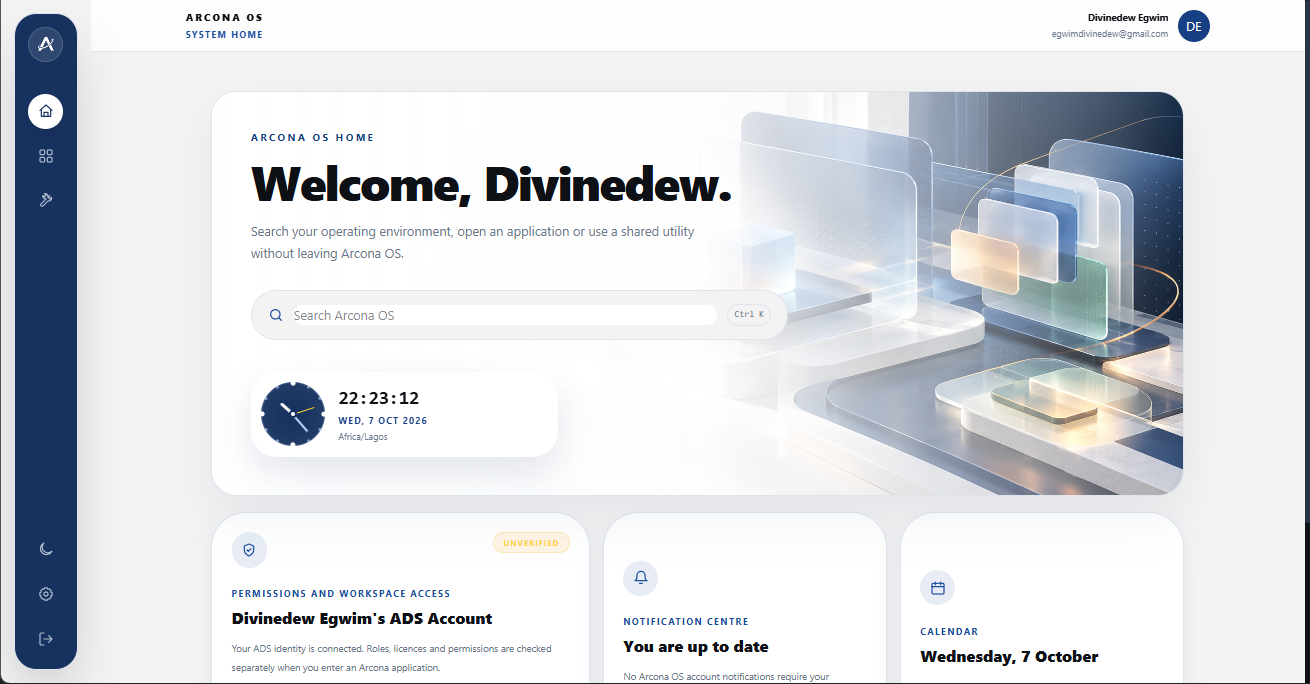
Arcona OS separates personal ADS identity from protected institutional access. This keeps the operating environment convenient while each academy or business controls its own people, roles and records.
Use the ADS Customer Portal to create and verify your central ADS account.
Sign in at app.arcona.arnoldsds.com with that same ADS account.
Choose Academy OS, Commerce OS or another application from the library.
Select the owner, administrator, teacher, student or staff access issued to you.
Enter the institution ID and issued credentials. The backend verifies the role before opening protected work.
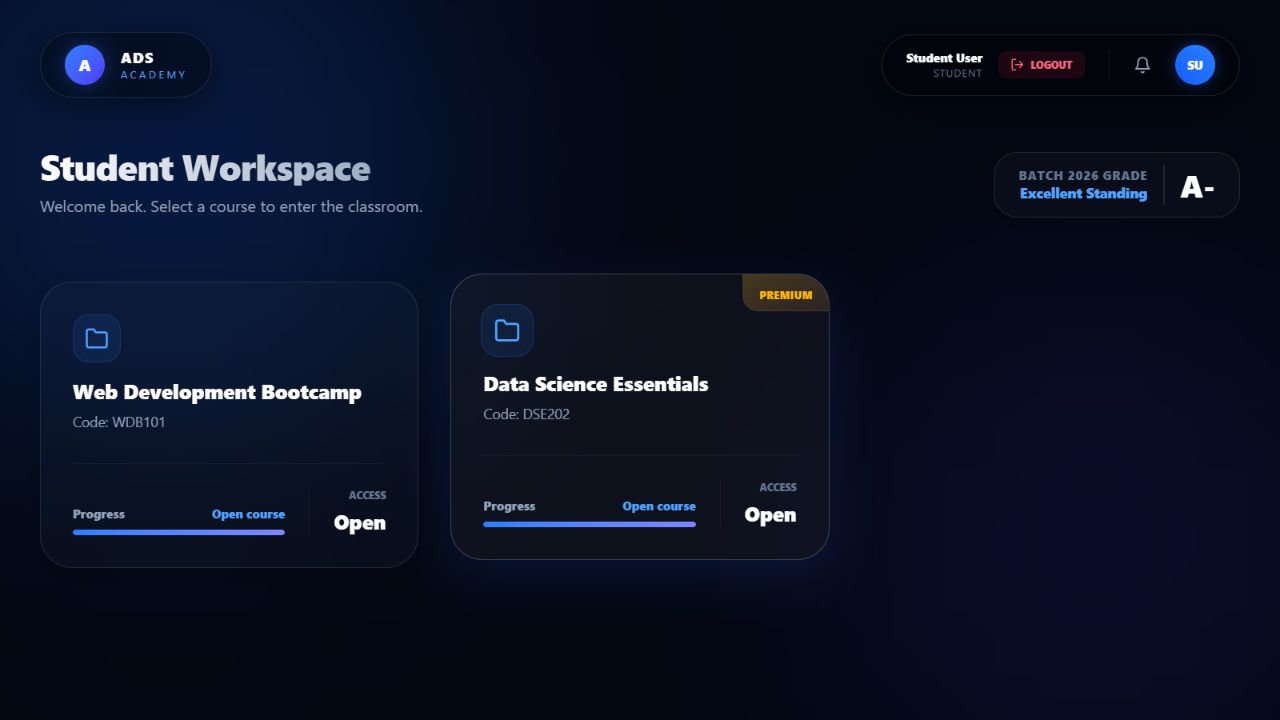
Students see the courses available to them and continue into the correct classroom.
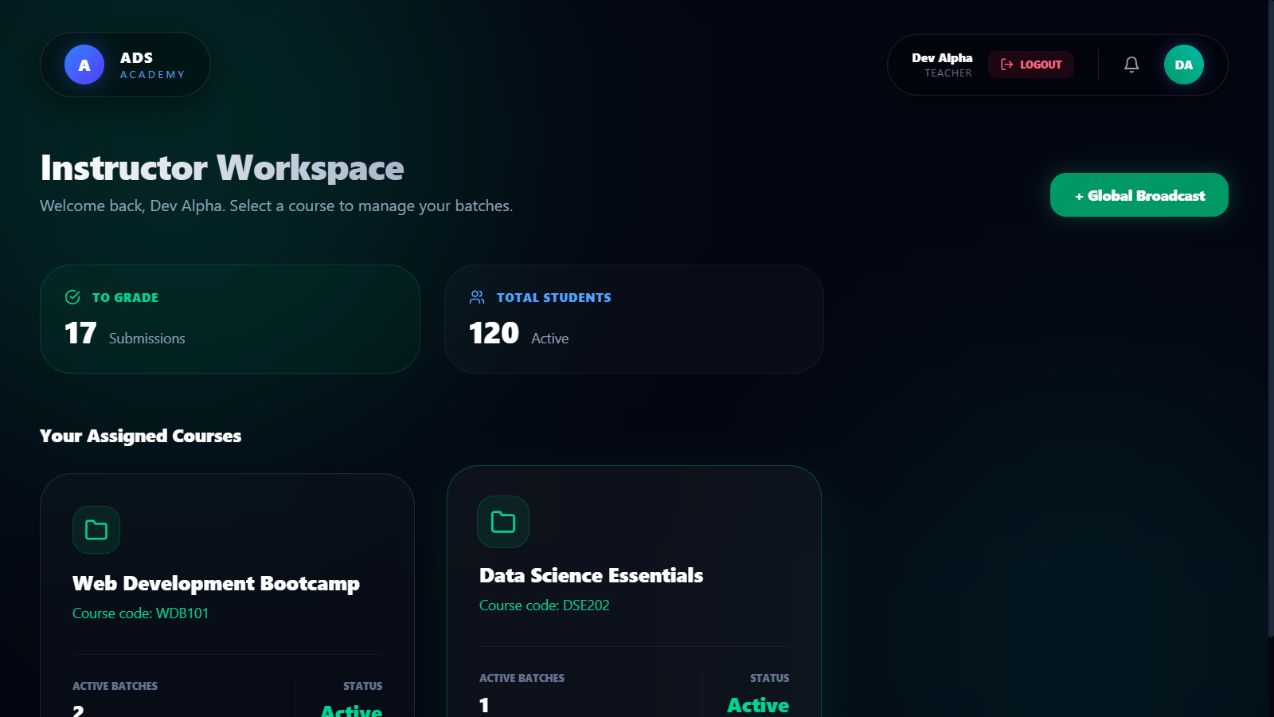
Instructors start with their assigned work, then move directly into teaching and learner support.
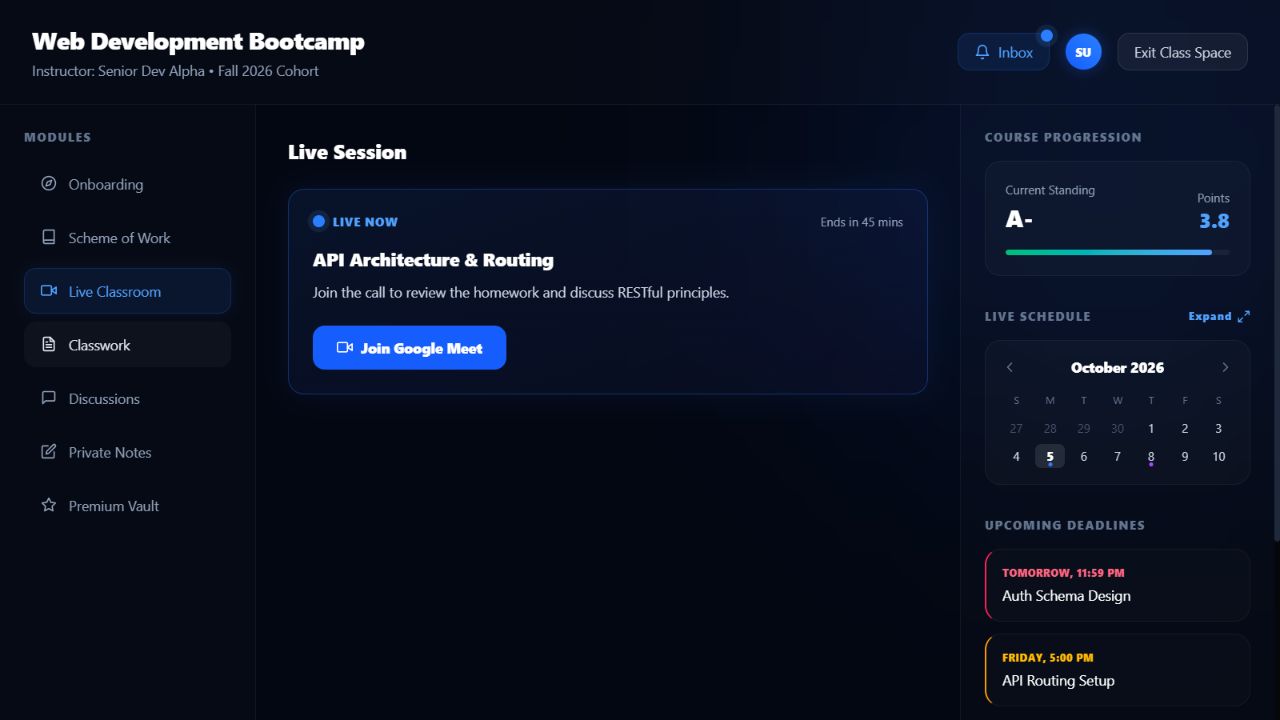
Each classroom keeps the scheme of work and teaching activity connected to the right course and batch.
Choose Arcona Academy OS or Arcona Organisation OS, then shape the workspace around your people and operations.
Organise students, instructors, classes and batches without losing sight of who belongs where.
Keep schedules, modules, live sessions and course progress together in one classroom view.
Give learners clear tasks and give instructors a focused place to review progress and outcomes.
Share learning materials and keep course conversations tied to the work instead of scattered across chats.
Give instructors and students the information and controls that matter to their own work.
Stay connected to the learning experience wherever your classes happen.
Tell us how you work, which modules matter and how many people you plan to support.
Talk to us about Arcona OS